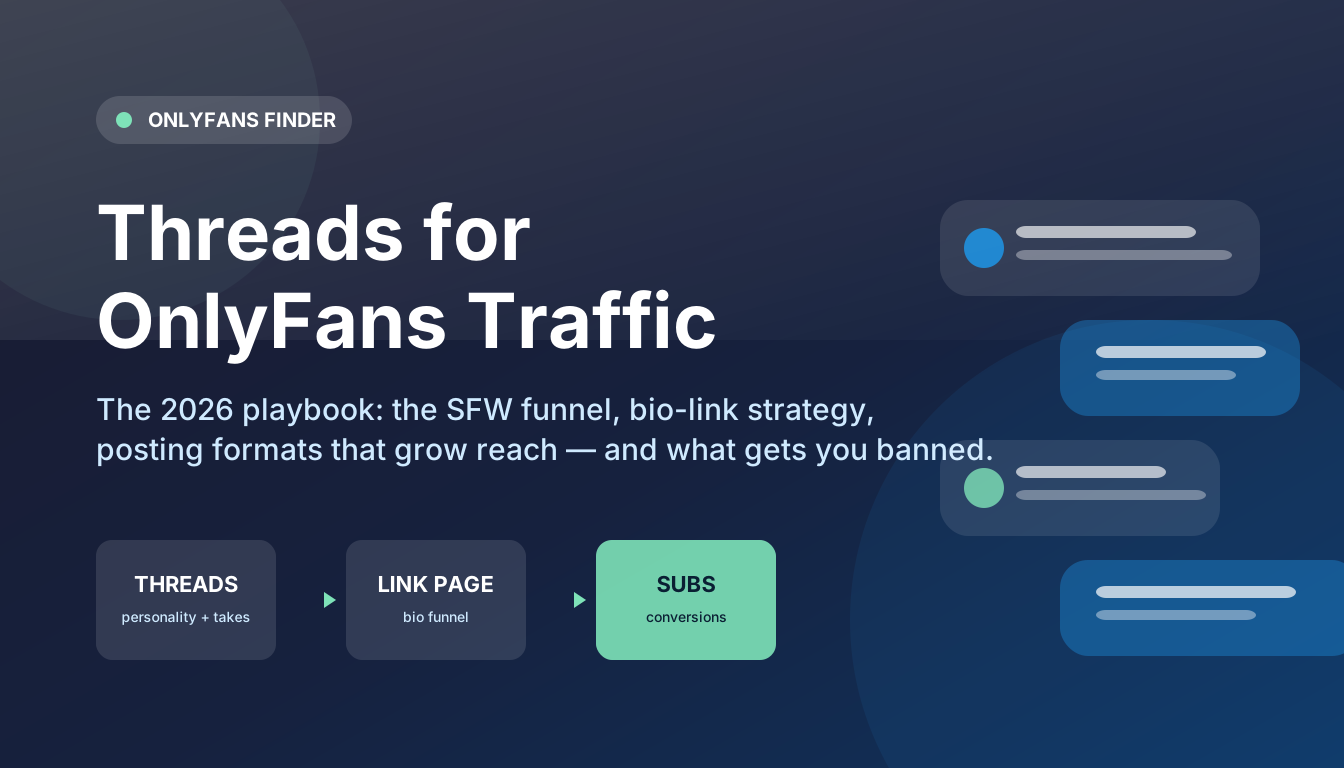
Every few months a new platform shows up and creator group chats light up with the same question: is this one worth my time? Threads has now been through that cycle, survived the initial hype crash, and settled into something specific — a text-first conversation network bolted onto Instagram's social graph. For OnlyFans creators, that combination is genuinely interesting, and genuinely limited. This is the 2026 guide to using it without getting your account vaporized.
Is Threads actually worth using for OnlyFans traffic?
The short answer: yes, but not the way you think. Threads will not let you post adult content or drop your OnlyFans link into every reply — accounts that try get suppressed or removed fast. What Threads does give you is the friendliest discovery algorithm Meta has ever shipped, an audience that skews older and more conversation-hungry than TikTok's, and a low-effort place to build a personality brand that funnels, slowly, toward your link-in-bio. Think of Threads as the top of a funnel, never the middle or the bottom.
Threads vs Instagram: what is actually different
Because Threads shares your Instagram identity and follows, creators assume it is "Instagram in text form." It is not, and the differences matter for promo:
| Aspect | Threads | |
|---|---|---|
| Primary content | Visual (photos, reels, stories) | Text posts, short takes, replies |
| Link handling | Links in bio; feed links suppressed | Links allowed — but flagged topics can reduce reach |
| Adult content tolerance | Low — strict moderation | Low — same Meta policy engine |
| Discovery | Follows + reels algorithm | Heavily reply-driven, interest-based feed |
| Effort per post | High (production) | Very low (typing) |
| DM availability | Full DMs | Integrated with Instagram DMs |
| Best promo role | Brand showcase, funnel | Personality, takes, community touchpoints |
Two takeaways. First, the production cost difference is the whole point: you can post on Threads from your couch, which means consistency is cheap. Second, the reply-driven algorithm means your reach depends on being interesting, not on posting increasingly polished thirst traps.
Setting up a Threads profile that converts
You get one shot at a first impression, and on Threads the profile is almost the entire conversion path.
- Bio strategy: sell the vibe, not the link. The creators converting best on Threads run SFW personality brands whose bios describe the content of their *character* — "fitness degenerate," "your favorite chronically online redhead," "girl who reviews protein bars unhinged." The OnlyFans funnel lives one click away, not in your face.
- The link problem is real. As of this writing, Threads profiles surface your Instagram link situation, and putting a raw OnlyFans URL in a bio is an account-risk move on any Meta platform. The standard playbook: bio link goes to an intermediate page (a link-in-bio tool, a personal site, a landing page) that itself routes to your OnlyFans. One extra click, dramatically lower ban risk.
- Match your Instagram. Threads pulls your username and profile picture from Instagram. If your IG is a personal account under your real name, that is your sign to build the creator persona on IG first — or run a separate professional account.
- Pin your best work. Pin the posts that make your personality legible: one take that went semi-viral, one that shows your humor, one that says what your page is about without saying the words OnlyFans.
What to post on Threads (and what gets suppressed)
The algorithm rewards conversation. In practice, four content types do the heavy lifting for creators:
1. Hot takes in your niche
The single most reliable growth format on Threads. Pick arguments you can win in two sentences, about your niche or adjacent culture. A fitness creator posting "unpopular opinion: 90% of pre-workout is placebo ritual" will out-earn a bikini photo in new followers — because the reply section does the distribution.
2. Personality fragments
Behind-the-scenes crumbs, petty observations, "reply guy energy in main character form." Threads audiences follow voices, not portfolios. Post like a person, not a brand.
3. Soft-promo done correctly
Announcing projects, celebrating milestones, teasing "the full version is on my page" — all fine in moderation. The line Threads moderators actually enforce: no explicit content, no aggressive link-spam, no repeating the same promotional reply across dozens of threads. Keep promo under roughly one post in five and you will not meet the suppression threshold.
4. Replies as distribution
On Threads, replies are a discovery surface — someone else's viral post with your witty reply underneath is often more valuable than your own post. Spend actual time replying to bigger accounts in your niche. Creators report this is where most of their Threads growth comes from, and it matches what we see from directory referral data: the funnel starts with a stranger seeing your name in a reply.
What gets you banned or shadow-suppressed
- Explicit media or descriptions — Meta's policy engine is shared with Instagram and it is unforgiving.
- OnlyFans links posted directly in threads or replies at volume.
- Engagement-bait loops ("reply and I will DM you") — actively penalized.
- Repetitive copy-paste replies, which read as bot behavior and get rate-limited.
If your reach suddenly craters while your follower count is stable, you are likely shadow-suppressed. The usual fix is boringly effective: stop all links, post clean conversational content for two weeks, and the distribution usually returns.
The 2026 playbook: 30 days on Threads
| Week | Theme | Daily actions |
|---|---|---|
| Week 1 | Set up and lurk | Profile done, bio link routed to intermediate page; follow 50 accounts in your niche; reply thoughtfully 5–10x/day; no promo |
| Week 2 | Find your voice | 2–3 original posts/day (takes, personality crumbs); keep replying; note which formats get traction |
| Week 3 | Let the funnel work | Double down on the formats that worked; first soft-promo post (milestone or project); engage every reply |
| Week 4 | Systematize | Keep cadence; move best-performing followers to X or your link page where conversion happens; review analytics |
Total time: 20–30 minutes a day. That is the entire sell — Threads is the lowest-effort top-of-funnel surface in your stack.
How to measure whether Threads is working
Do not trust follower counts — they are vanity on every platform and doubly so on Threads, where follows are one tap and mean little. Instead:
- Use UTM parameters on your bio link (your link tool supports them) so your landing-page analytics show "threads" as a source.
- Watch subscriber spikes after viral replies, not overall growth.
- Compare against your other channels monthly. If Threads drives less than 5–10% of new-subscriber source traffic after 60 days, downgrade it to a maintenance channel — 15 minutes a day, no more.
Threads vs the rest of your promo stack
Threads is a personality top-of-funnel channel. It pairs well with:
- Reddit for high-intent subscriber acquisition (the workhorse).
- X for the same personality brand with adult-content tolerance and a link-friendly culture.
- A directory listing (OnlyFans Finder and similar) to capture people who search your persona name on Google after discovering you on Threads.
Run Threads alongside one acquisition channel and one search-capture channel, and you have a genuinely diversified stack. Run Threads alone and you have a hobby.
FAQ
Can you post OnlyFans links on Threads?
Technically the link field allows URLs, but posting OnlyFans links directly — especially repeatedly in replies — puts your account at risk of suppression or removal under Meta's content policies. The standard practice is a link-in-bio that routes through an intermediate page.
Is Threads good for adult creators in 2026?
As a discovery and personality channel, yes. As a place to post adult content, no — Meta's moderation applies. Adult creators who win on Threads run SFW personas and funnel interested followers to their page through a bio link.
How often should I post on Threads?
Two to five times a day, mixing original posts and replies, is the practical sweet spot. Threads rewards conversational consistency over volume, and posting more than that adds little.
Does Threads hide posts with links?
Posts with external links have historically seen reduced reach on Meta platforms, and creators report the same on Threads. Keep links out of post bodies; use the bio link as the funnel.
How do I grow on Threads without showing my face?
Text-first is exactly what makes Threads friendly for faceless creators — your takes, humor, and niche knowledge carry the account. Pair it with a body-only or faceless content niche and the funnel works the same way it does on Reddit.
*Your mileage will vary, the algorithm will change without warning, and anyone promising otherwise is selling something. Post something funny this week and see what happens.*
Last updated Sep 27, 2026
Max Rare
Creator-growth editor, OnlyFans Finder
Max Rare covers creator-economy growth for OnlyFans Finder. He has spent five years watching promo tactics live and die across Reddit, X and Threads — mostly by talking to the creators who tried them — and writes the guides he wishes existed when he started. Reach him through the contact page if you want a tactic stress-tested.
Discover creators
Put these tips to work — search thousands of profiles by category, tag or keyword.
Get listed
Creators on OnlyFans Finder get a full profile page, analytics and a direct link to their OnlyFans — from $19.